Client Portal Onboarding Checklist: The First 48 Hours
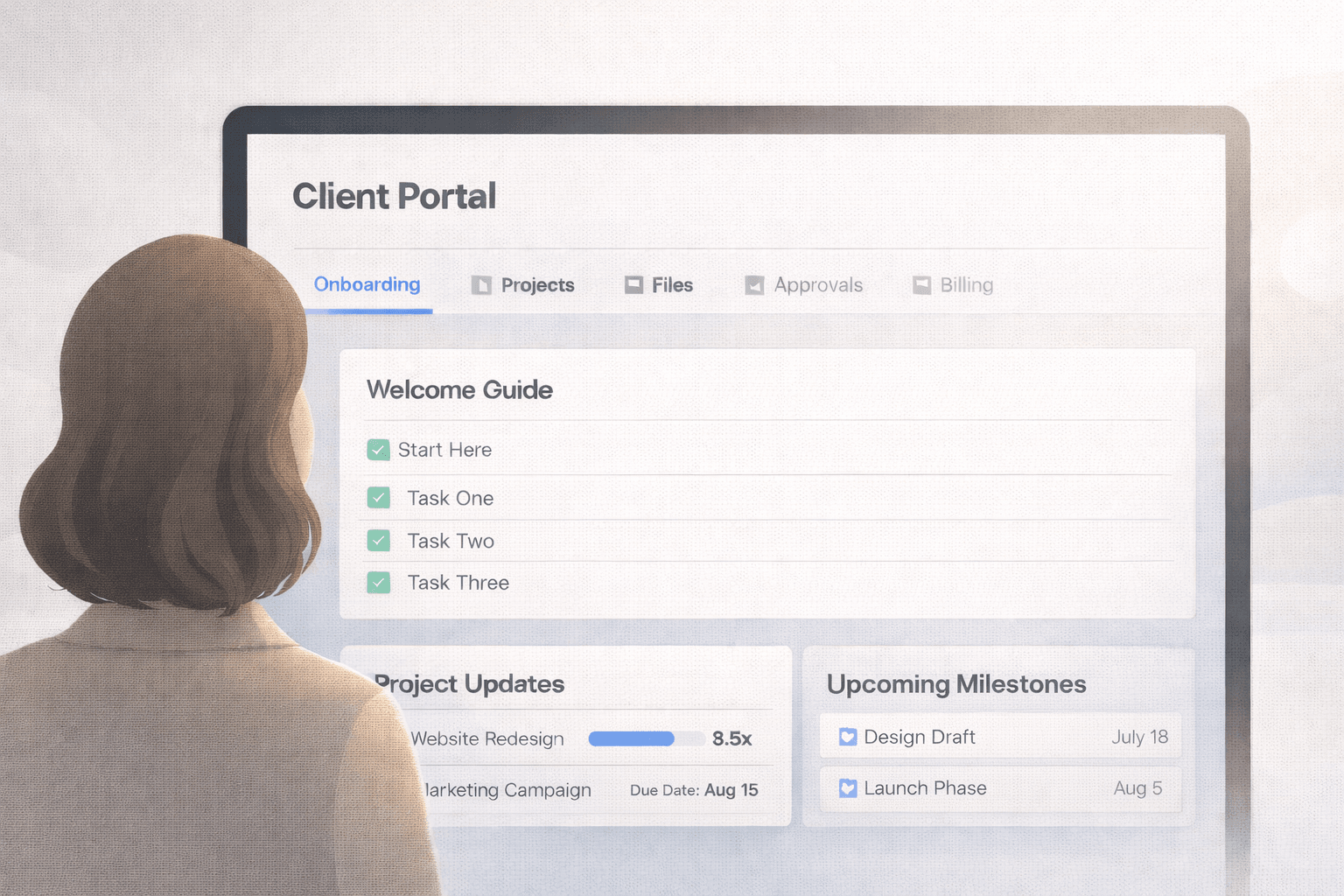
Most client portals fail in the first week, not because they are badly built but because nobody told the client what it is for. Here is the checklist that fixes that.
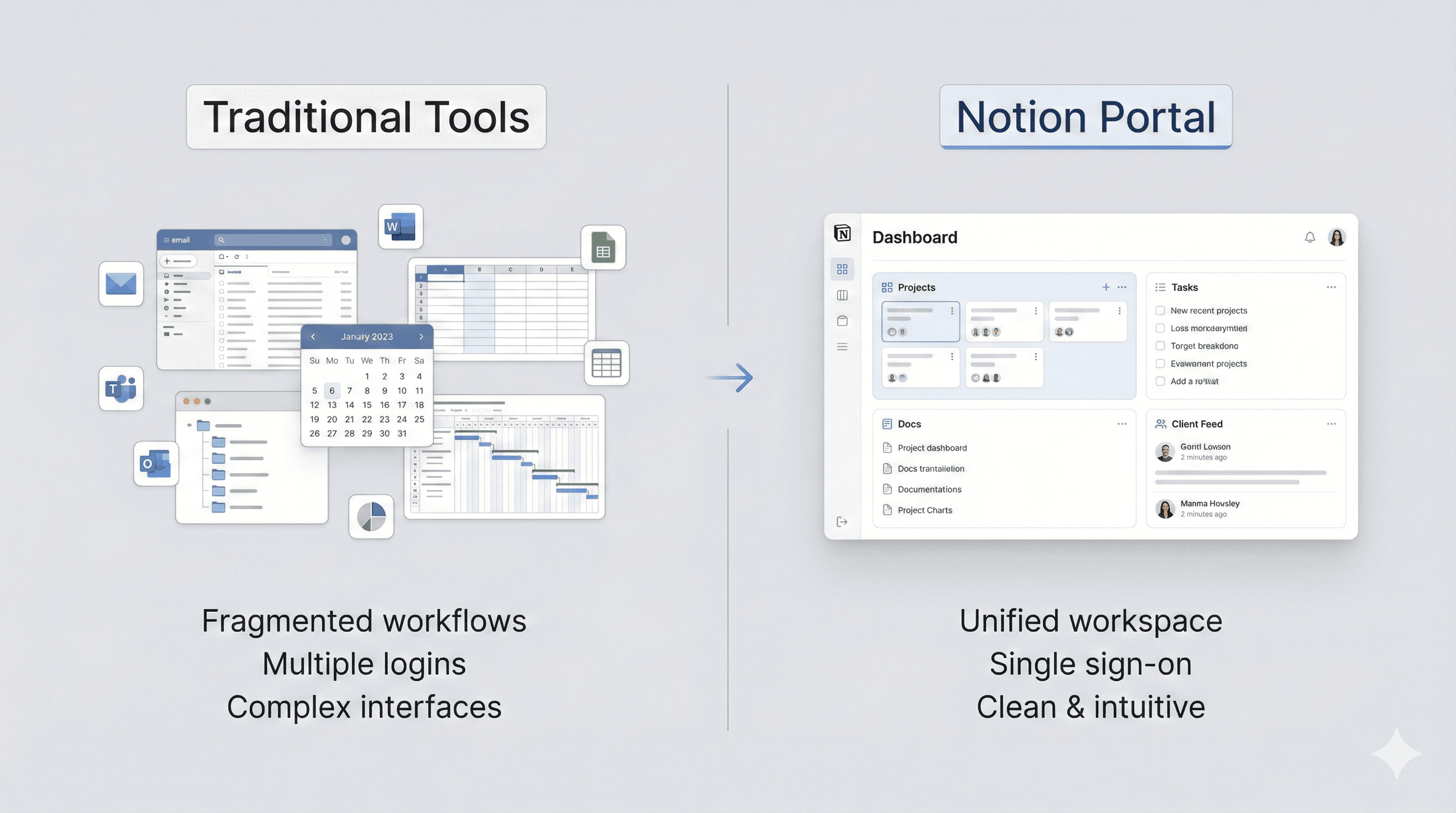
Learn how to create better client experiences, optimize your Notion workflows, and grow your business with actionable insights from industry experts.

Most client portals fail in the first week, not because they are badly built but because nobody told the client what it is for. Here is the checklist that fixes that.

Looking for a PortalWith promo code? The current discount applies automatically — no code needed. Here is what is live, what it saves you, and what happened to LAUNCH50.

New to PortalWith? There is a discount applied automatically at checkout, and a separate code called PORTALNEW. Here is what each one does and which to use.

Notion has no native custom domain support. Here are the three approaches that work, the DNS records each needs, and the SEO trade-off nobody mentions.

The fastest way to lose a client's trust is showing them something you did not mean to. Here is a field-by-field checklist of what to hide before you share anything from Notion.

Sharing a Notion database with a client usually means over-sharing. Here are the four real options, what each exposes, and how to show one client their rows and nobody else's.

Turn the Notion databases you already have into a secure, branded client portal. This step-by-step tutorial covers preparing your databases, connecting Portalwith, filtering per client, and going live on your own domain.

When should you use Notion for client portals and when does a traditional PM tool win? Here's a clear way to decide—and how to keep the client experience polished.

Trust is built when clients feel informed and in control. Your portal's layout, navigation, and defaults all signal whether you are organized—or not.

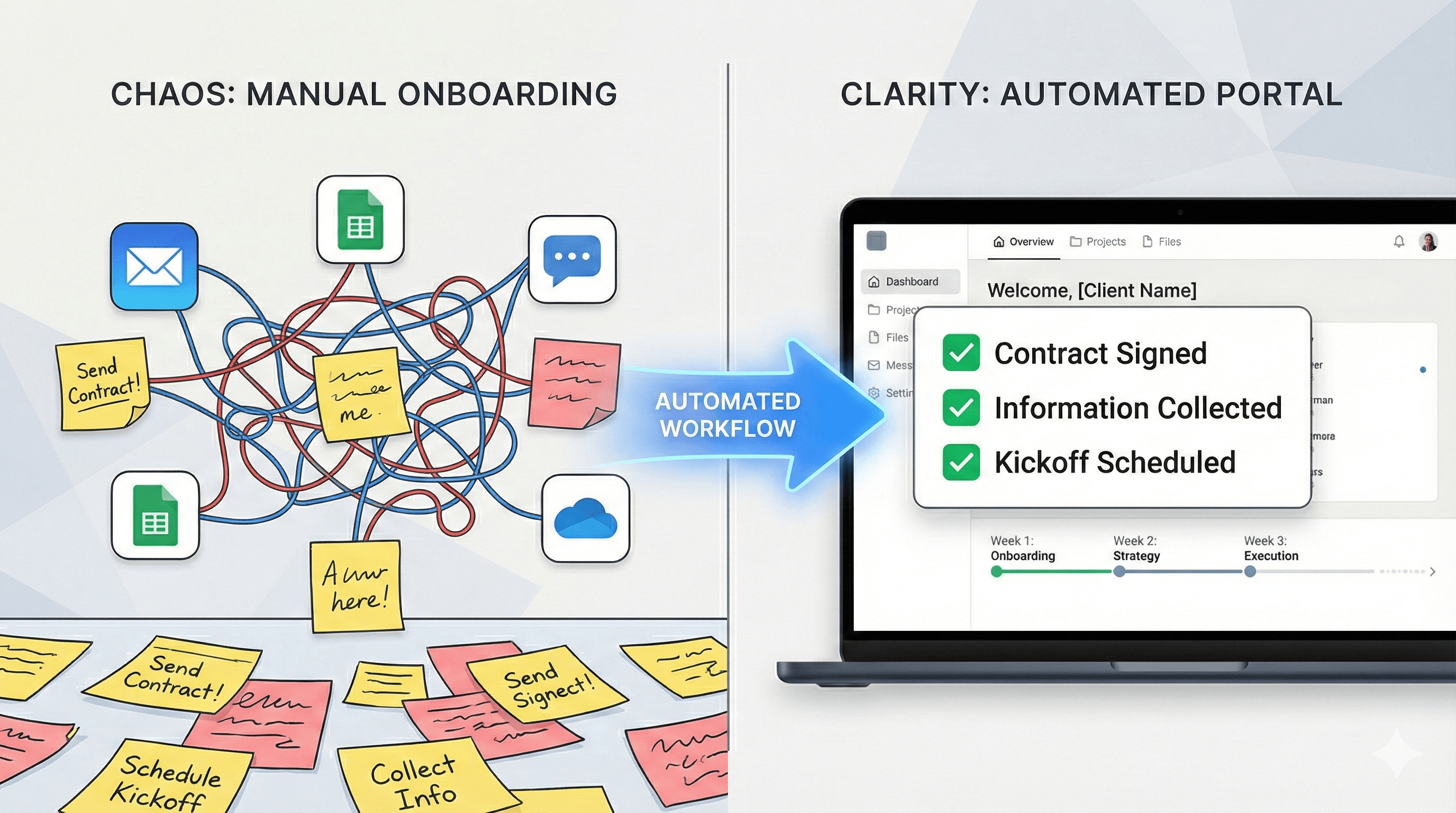
Standardize onboarding with a Notion-powered portal that feels clean for clients and easy for your team. Automate setup, invites, and status so you spend less time chasing updates.

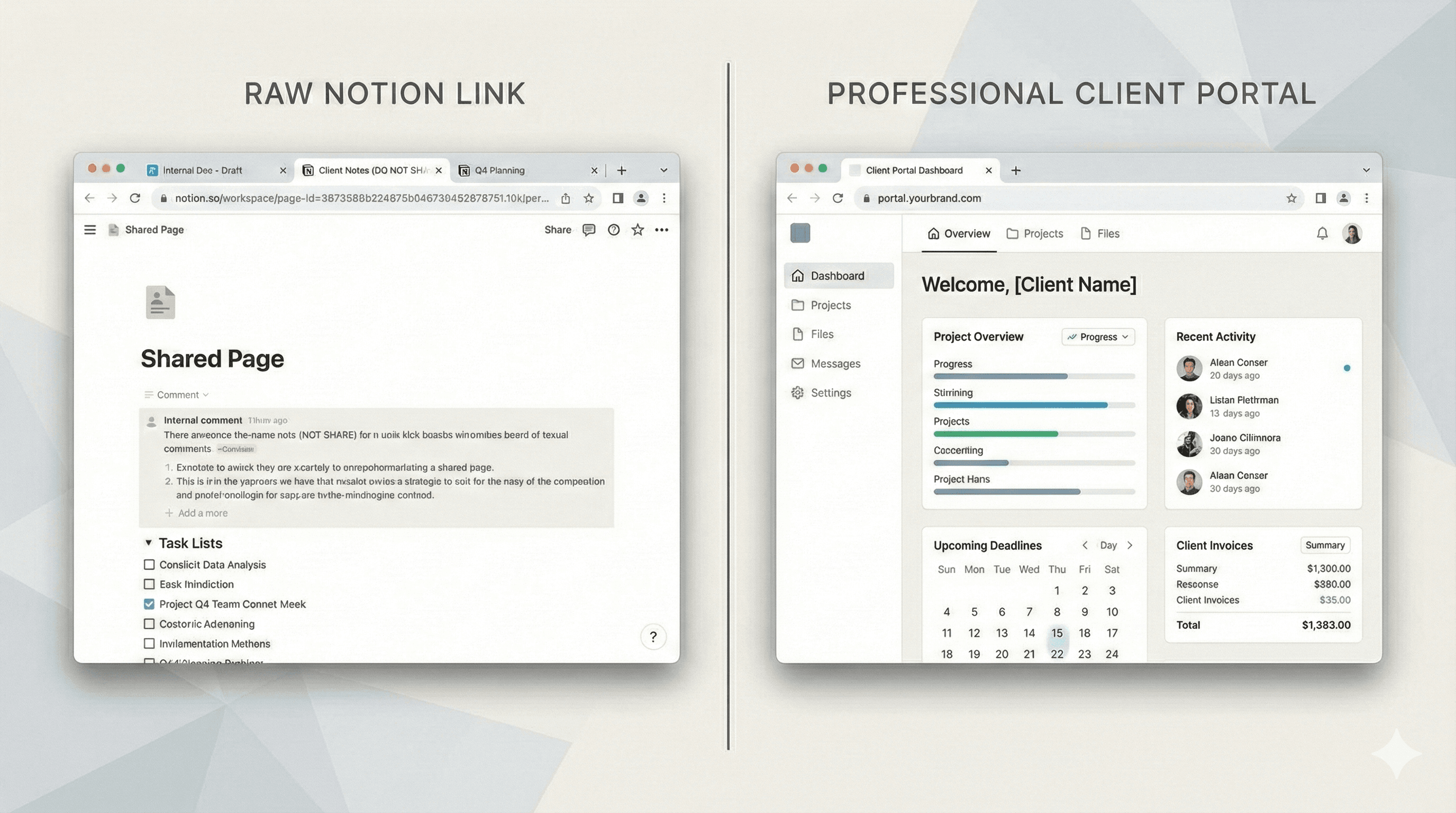
You can build a great workflow in Notion—but raw sharing links often feel messy for clients. The good news: you can keep your Notion system and still deliver a clean, branded experience. Here's why raw links fall short, and the smarter alternative.

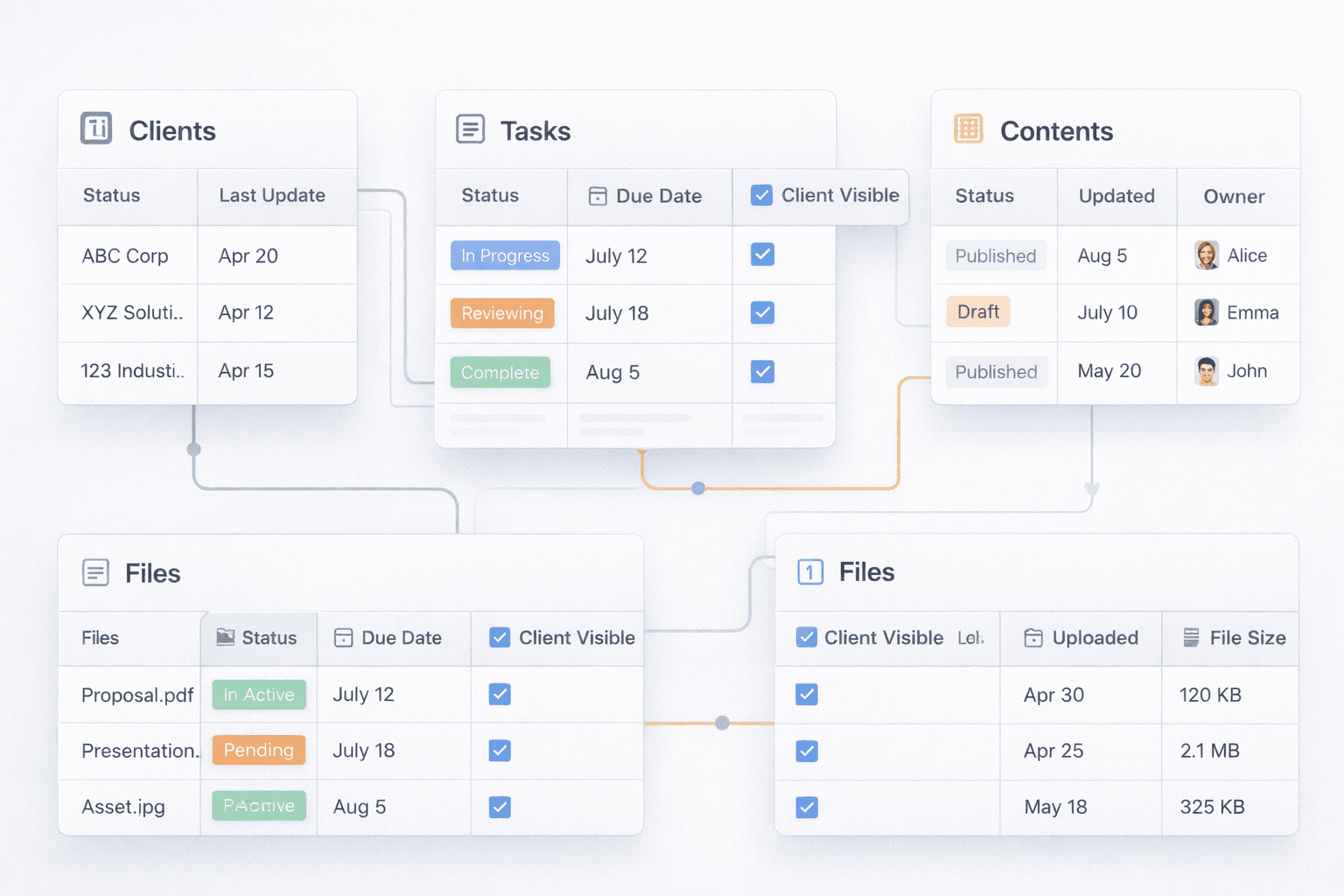
The right database properties make a Notion client portal feel clean, trustworthy, and easy to follow. These five keep everything filterable, secure, and client-ready.

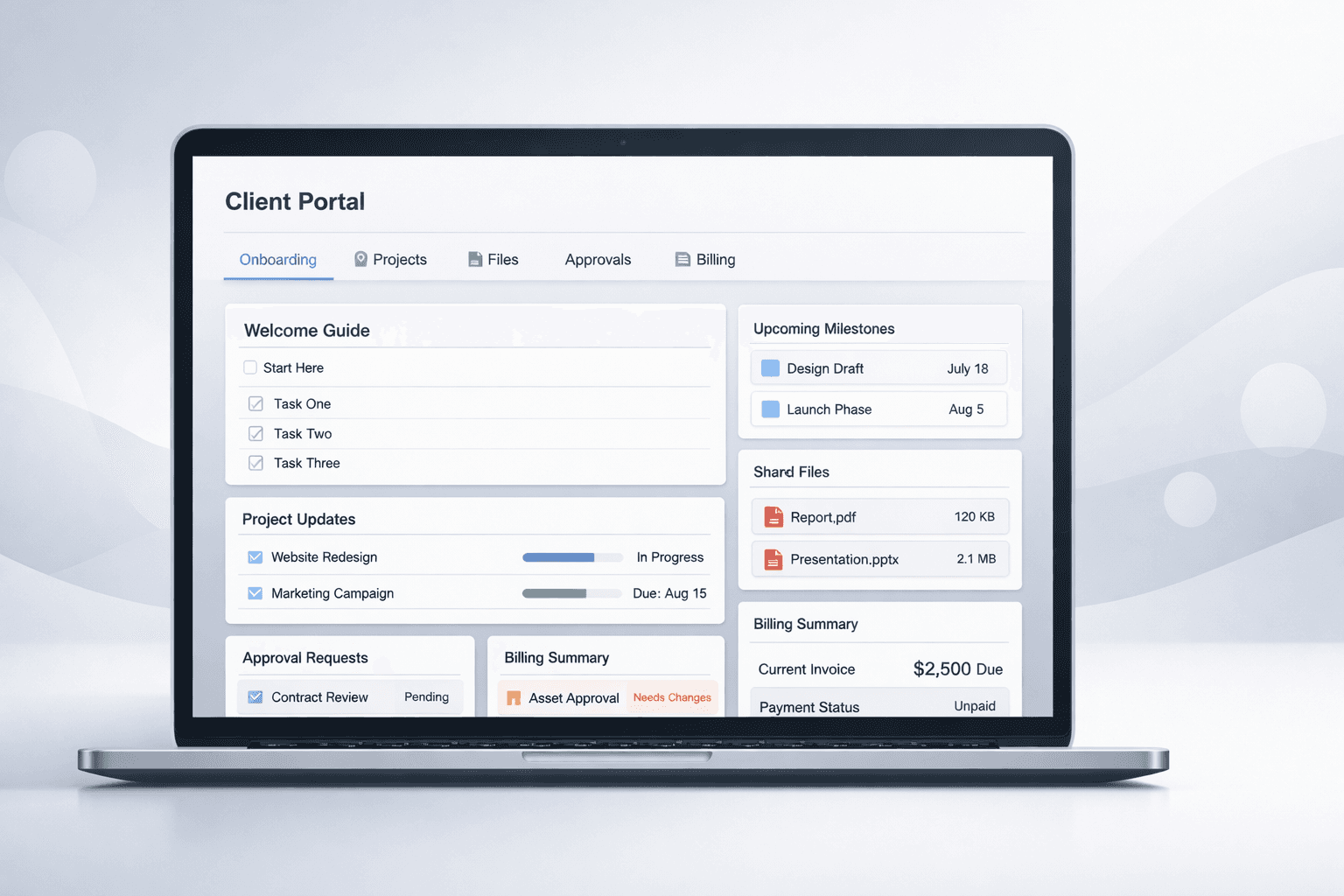
A practical guide to turning your Notion workspace into a client-ready portal that feels polished and on-brand. We'll cover setup, templates, and workflows that keep clients confident without overwhelming them.
Deep dives on Notion portals, branding, and alternatives-built for search intent and internal linking.
Each page is optimized for intent-driven keywords, clear headings, and scannable sections. Share them with prospects or link from your site navigation to capture organic demand.
Looking for something else? Tell us what keyword you want to rank for and we'll add a tailored resource.