Notion vs. Traditional Client Management Tools: A 2026 Comparison
When should you use Notion for client portals and when does a traditional PM tool win? Here's a clear way to decide—and how to keep the client experience polished.
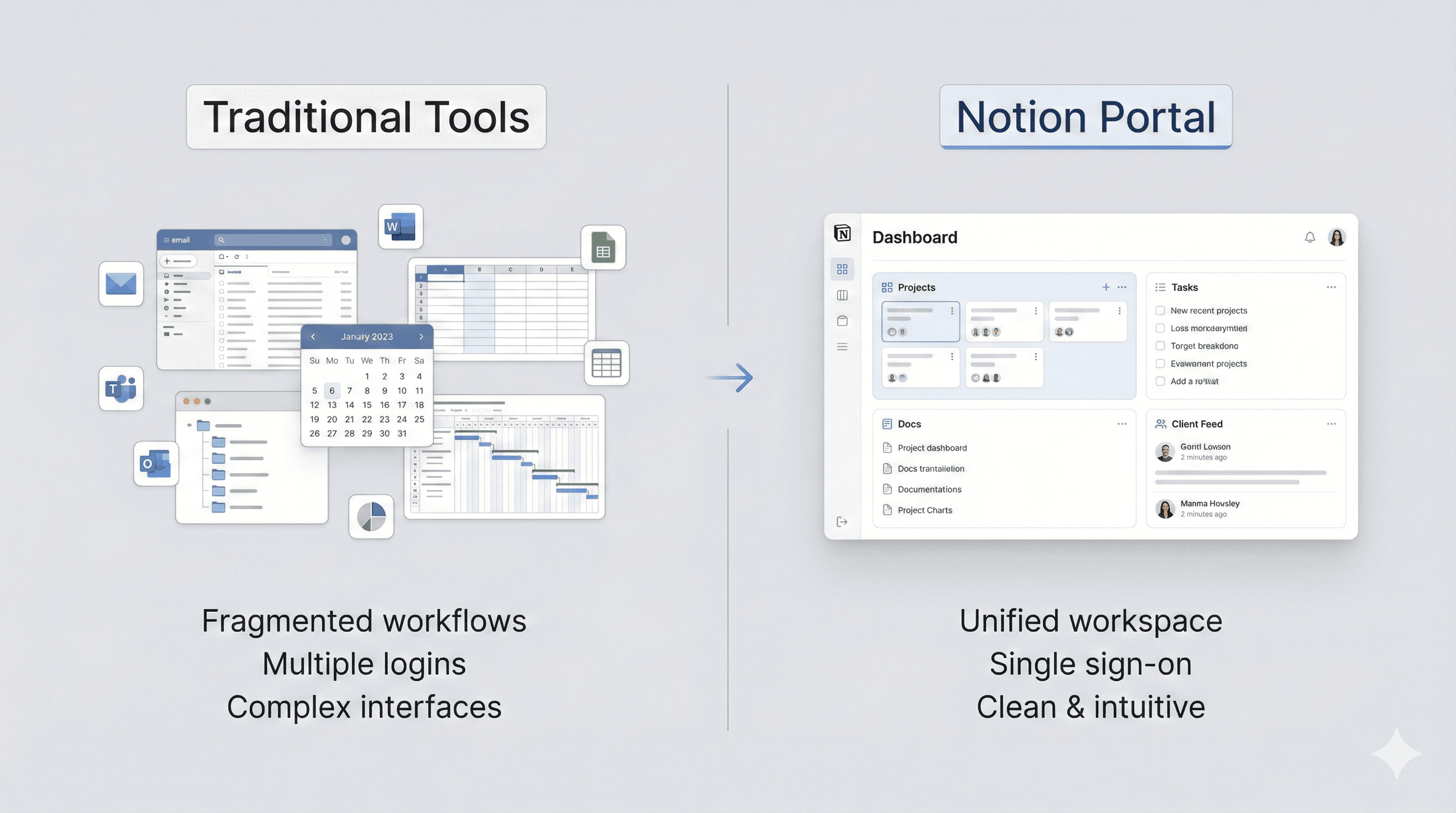
Many teams start in Notion for speed, then hit limits around sharing and branding. Others stay in traditional PM tools but struggle to present a clean client view. The right choice depends on flexibility vs. control.
Where Notion shines
Pros
- Flexible database + doc hybrid for bespoke client workflows
- Fast iteration without admin overhead
- Unified knowledge and delivery in one place
Gaps
- External sharing is clunky and unbranded
- Permissions are easy to misconfigure
- No native client login or navigation
Where traditional tools shine
Pros
- Built-in permissions and roles
- Opinionated workflows and reporting
- Mature integrations for tickets and tasks
Gaps
- Rigid structures that don't fit every service model
- Hard to embed rich documents and mixed media
- Clients often get lost in tool-specific UX
Best of both worlds with Portalwith
Portalwith keeps Notion as your source of truth but adds the client-facing pieces: branding, navigation, secure login, and role-based visibility. You avoid the overhead of migrating to another PM suite while giving clients a polished experience.
Try the Notion-first approach
Launch a branded client portal in minutes using the Notion databases you already maintain.
2-week free trial • No credit card • Notion-native