Client Onboarding: From Chaos to Clarity with Automated Portals
Standardize onboarding with a Notion-powered portal that feels clean for clients and easy for your team. Automate setup, invites, and status so you spend less time chasing updates.
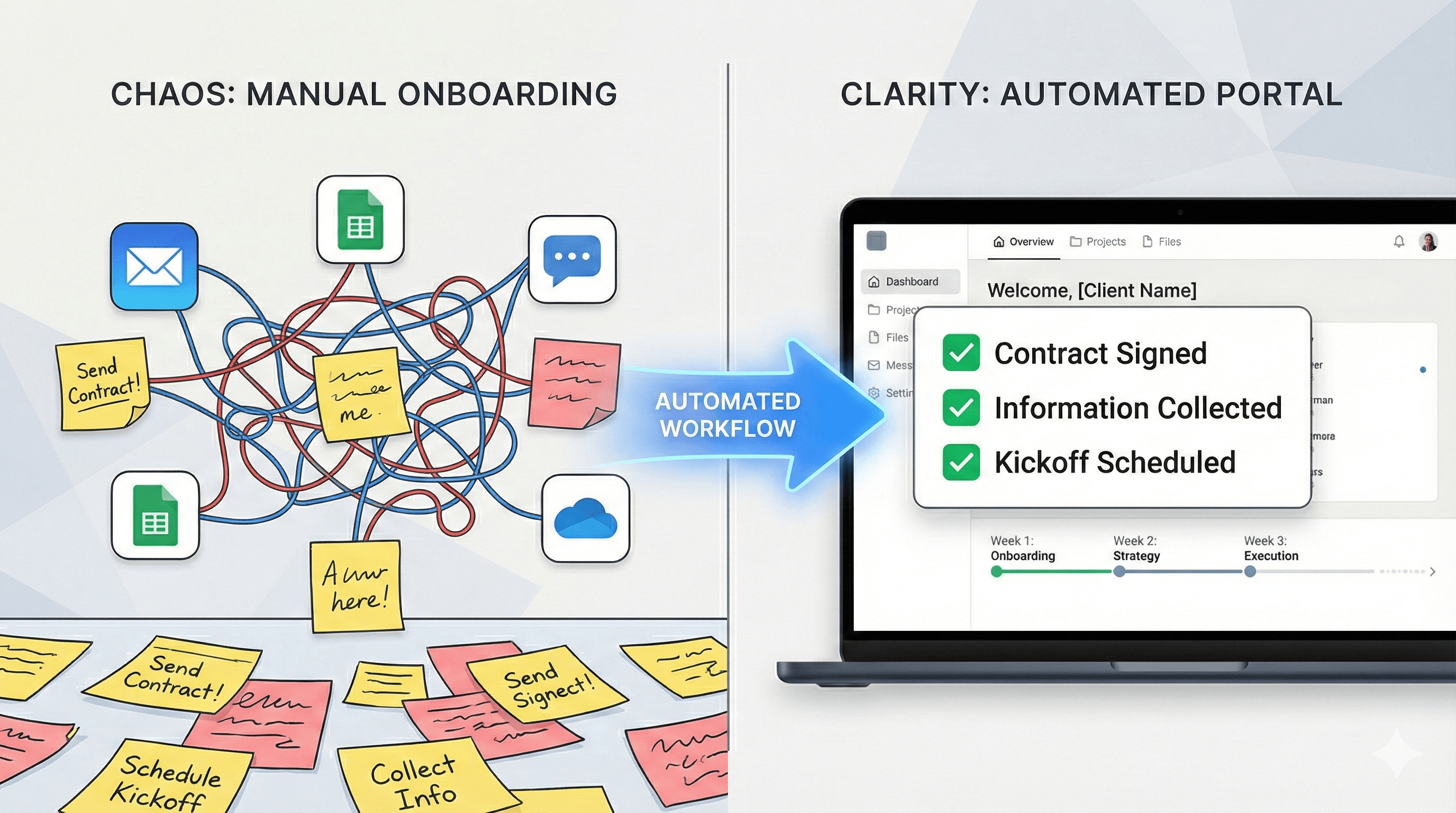
Disjointed emails and ad-hoc docs slow onboarding and confuse clients. A single, branded portal keeps everything in one place—and can spin up automatically for each new client.
What a great onboarding portal includes
- Kickoff: owner, agenda, next steps
- Access: accounts, credentials, environments
- Deliverables: milestones with due dates
- Check-ins: weekly/biweekly updates
- Success criteria: definition of done and acceptance
Automations that save hours
Visibility that keeps clients confident
Publish only what's meant for clients. Use a visibility flag on tasks, risks, and documents, then build a portal view filtered by client name and visibility = true. Add status chips so progress is obvious at a glance.
Launch, then iterate
Start with a simple template: checklist, timeline, communication lane, and resources. Ship it, gather feedback, and improve. Your future clients benefit from every iteration.
Ready to automate onboarding?
Portalwith turns your Notion databases into a branded onboarding portal with templates, magic-link invites, and real-time sync.
2-week free trial • No credit card • Notion-native