Branded, secure login for your Notion-powered portals.
Keep your Notion workspace private while giving clients a simple, branded login. Portalwith adds a secure front door with your domain, theme, and access rules — without changing how you work in Notion.
Branding
Custom domain + theme
Access
Magic links & roles
Security
Client-safe views
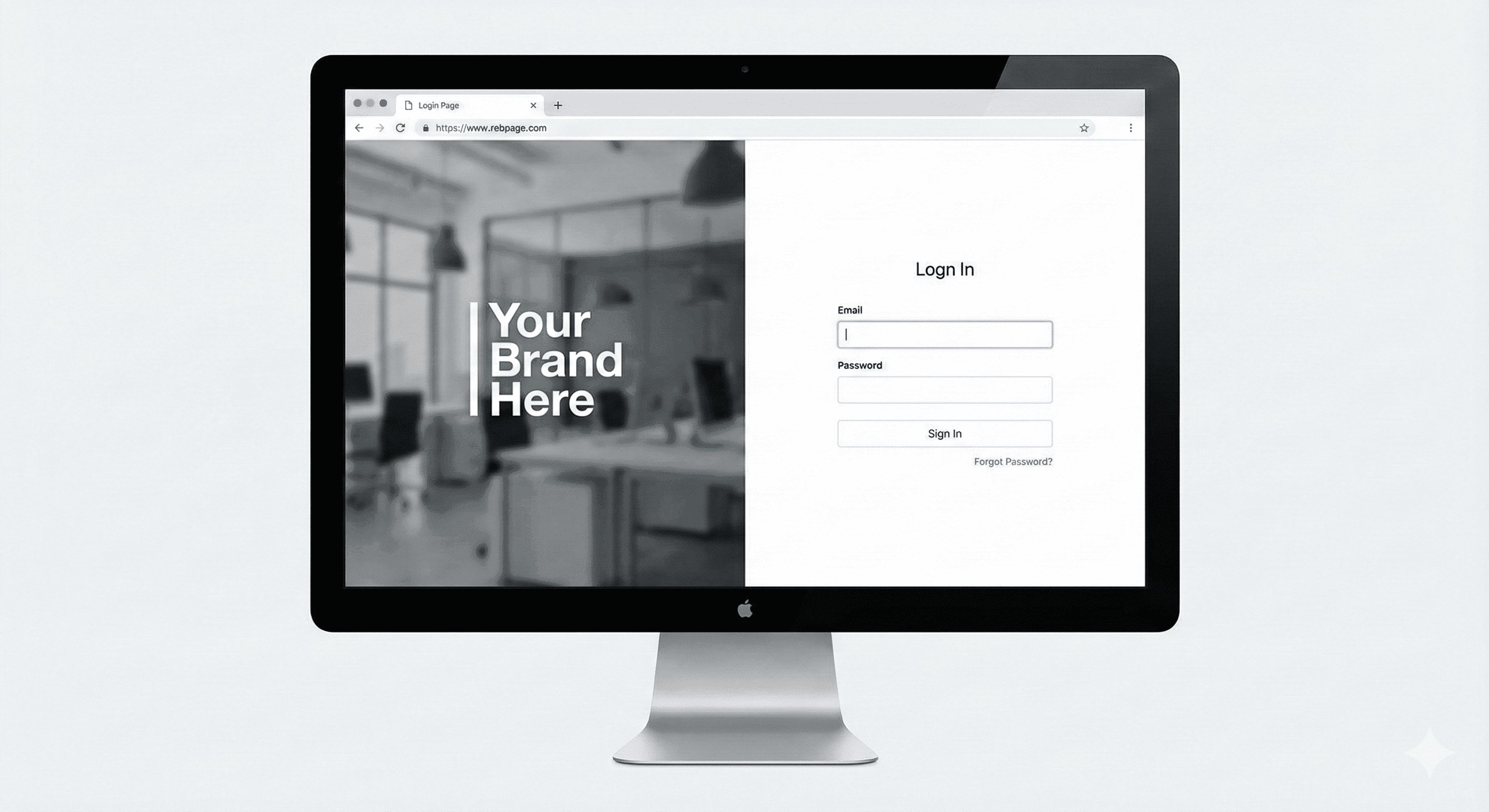
- Branded login screen with your logo, domain, and theme.
- Magic-link and password access for external clients.
- Role-based visibility keeps internal data hidden.
- Best for agencies, CS teams, and productized services.
- Internal teams keep using Notion SSO; portal is for clients.
- Custom CSS and scripts are supported for advanced branding.
Why custom login matters for Notion portals
Clients and customers should not see your entire workspace or raw Notion links. A custom login keeps things private, branded, and simple to access.
Share curated client views while keeping your workspace private.
Your logo, colors, and domain on the login screen.
Clients don’t need Notion accounts to log in.
Control who sees what with granular roles.
Track portal engagement and keep audits clean.
Set up a custom login in 4 steps
Choose the databases to expose from your workspace.
Add your domain, logo, typography, and theme.
Create client, champion, and collaborator roles and gate blocks accordingly.
Send magic links or passwords. Your internal workspace stays private.
- Agencies who want a clean client login instead of raw Notion links.
- Customer success teams sharing onboarding, QBRs, and support docs.
- Productized services that need consistent, client-safe views.
- Reduces link sprawl with a single, branded login.
- Keeps sensitive fields private with role-based visibility.
- Creates a clear audit trail of what's shared.
FAQs about Notion custom login
Give clients a login page that feels like your brand
Keep using Notion internally — Portalwith adds the secure, beautiful login layer you need for external access.
2-week free trial · No credit card · Notion-native