A self-serve customer portal for onboarding and account updates powered by Notion.
Portalwith lets teams publish a clean customer hub without leaving Notion. Share onboarding checklists, implementation progress, roadmaps, release notes, and support links in one branded portal.
Made for CS
Onboarding & reviews
Access
Role-based & magic links
Brand
Custom domain + theme
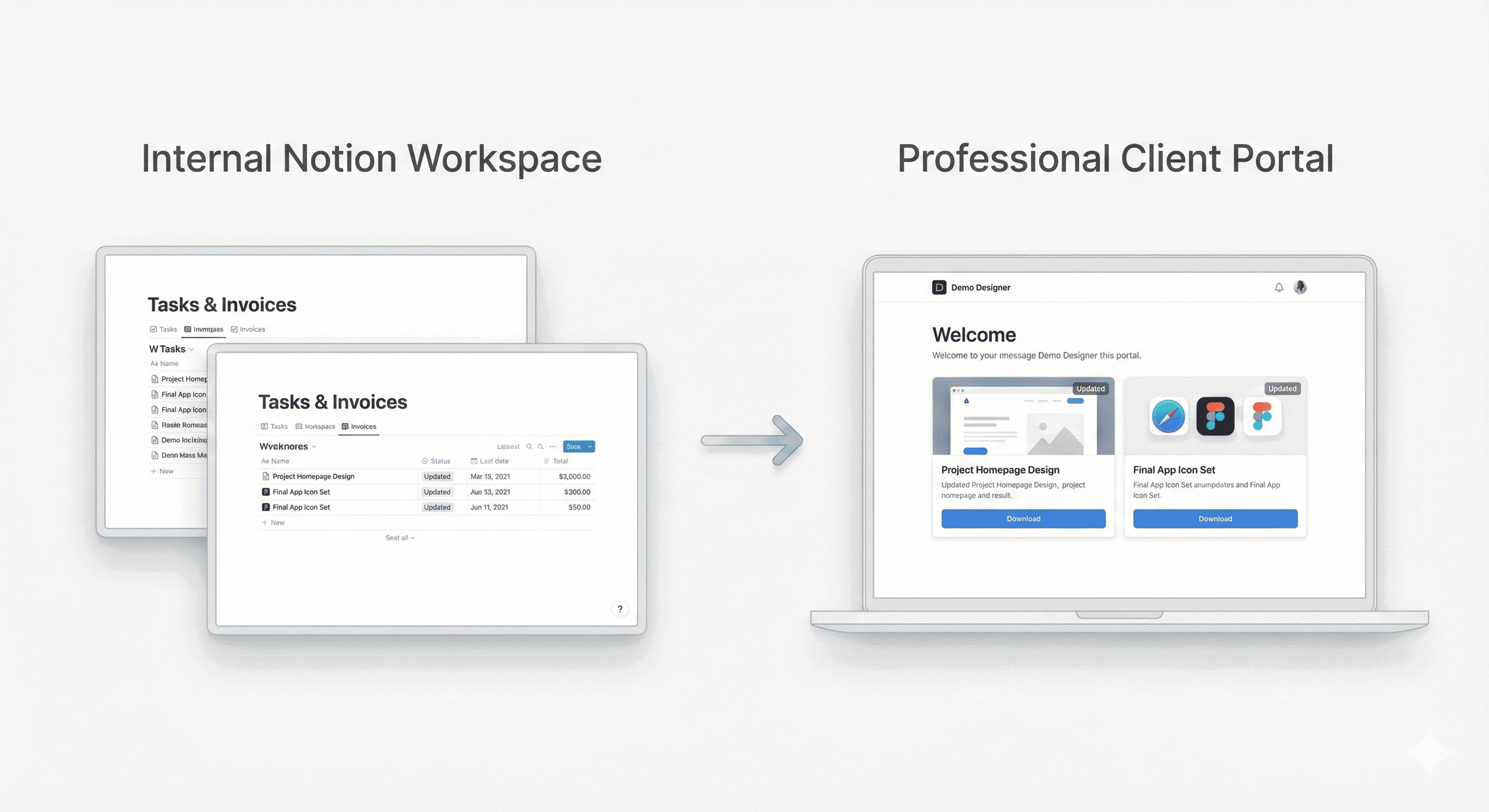
- Customer hub for onboarding, quarterly reviews, renewals, and support.
- Role-based visibility for admins, champions, and end users.
- Magic-link access on your domain; no Notion account required.
- Best if your CS playbooks and milestones live in Notion already.
- Add a “client-visible” flag to avoid exposing internal fields.
- Keep internal SSO in Notion; use magic links for customers.
Why teams choose a Notion customer portal
You already run playbooks in Notion — turn them into a customer-facing experience. Give champions a single link for onboarding, milestones, and renewals, while keeping internal notes private.
Your domain, logo, and theme on a secure login.
Onboarding, quarterly reviews, roadmaps, and renewals in one place.
Admins, champions, and end users each see what they need.
Reads directly from your Notion success playbooks.
Loom, Figma, docs, and calendars embedded inline.
Change a status in Notion; the portal reflects it instantly.
What improves when you centralize customer updates
Customers always know next steps during onboarding.
Self-serve FAQs and live status reduce repetitive asks.
Transparent roadmaps and wins build confidence.
A premium, organized portal leaves a lasting impression.
- •Home: onboarding status, owner, and timeline
- •Projects & milestones: synced from your Notion project database
- •Quarterly reviews: agenda, metrics, action items, next review date
- •Roadmap & releases: upcoming features, changelog embeds
- •Support: ticket links, SLAs, escalation paths
- •Billing: invoices, renewal terms, procurement docs
- Keep Notion as the source of truth — no migration.
- Share only client-safe data with role-based access.
- Brand the portal so customers feel at home.
- Automate portal creation for new accounts.
FAQs about a Notion customer portal
Give customers clarity, not chaos
Keep your success playbooks in Notion and present them in a premium, secure customer portal.
2-week free trial · No credit card · Notion-native